Delete Album – Manage and Remove
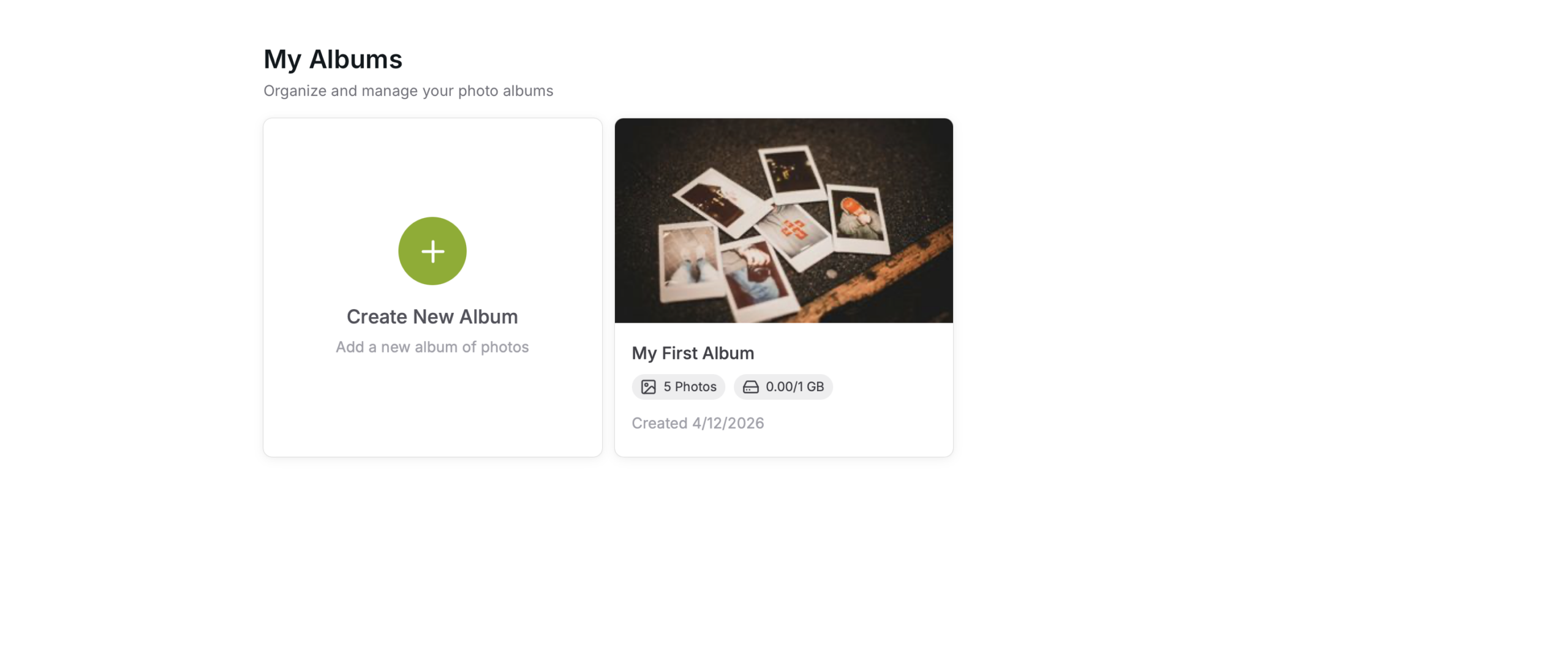
Select Album
Select the Album
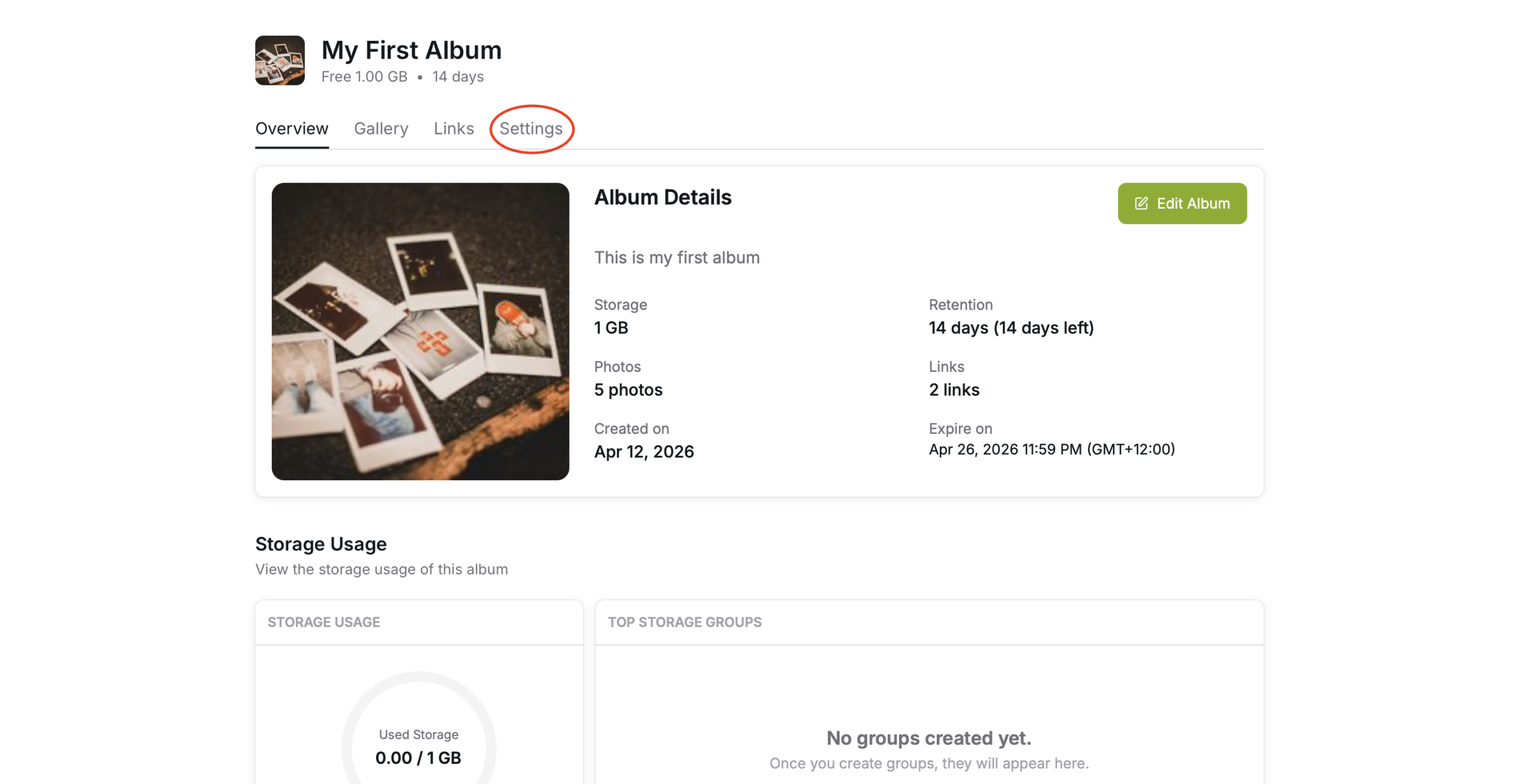
Album settings
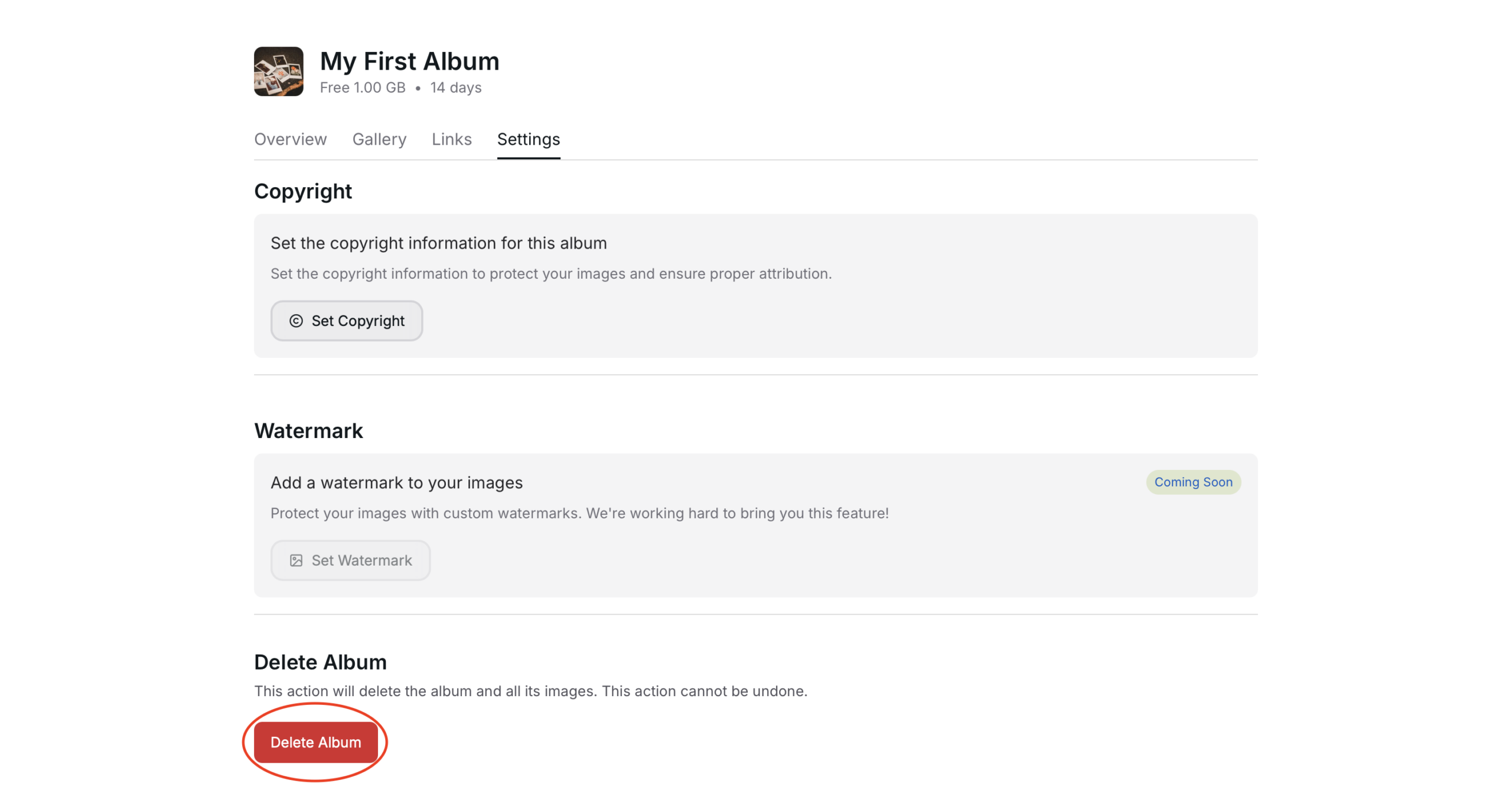
Go to album settings to delete the album
Delete Album
Use the “Delete Album” button at the bottom of the page to delete the album.
Warning! – This is an irreversible action. All the photos in the album will be deleted. Resources attached to the album will be forfeited.
All photo download links shared with clients will be deactivated and cease to function.
Conforming
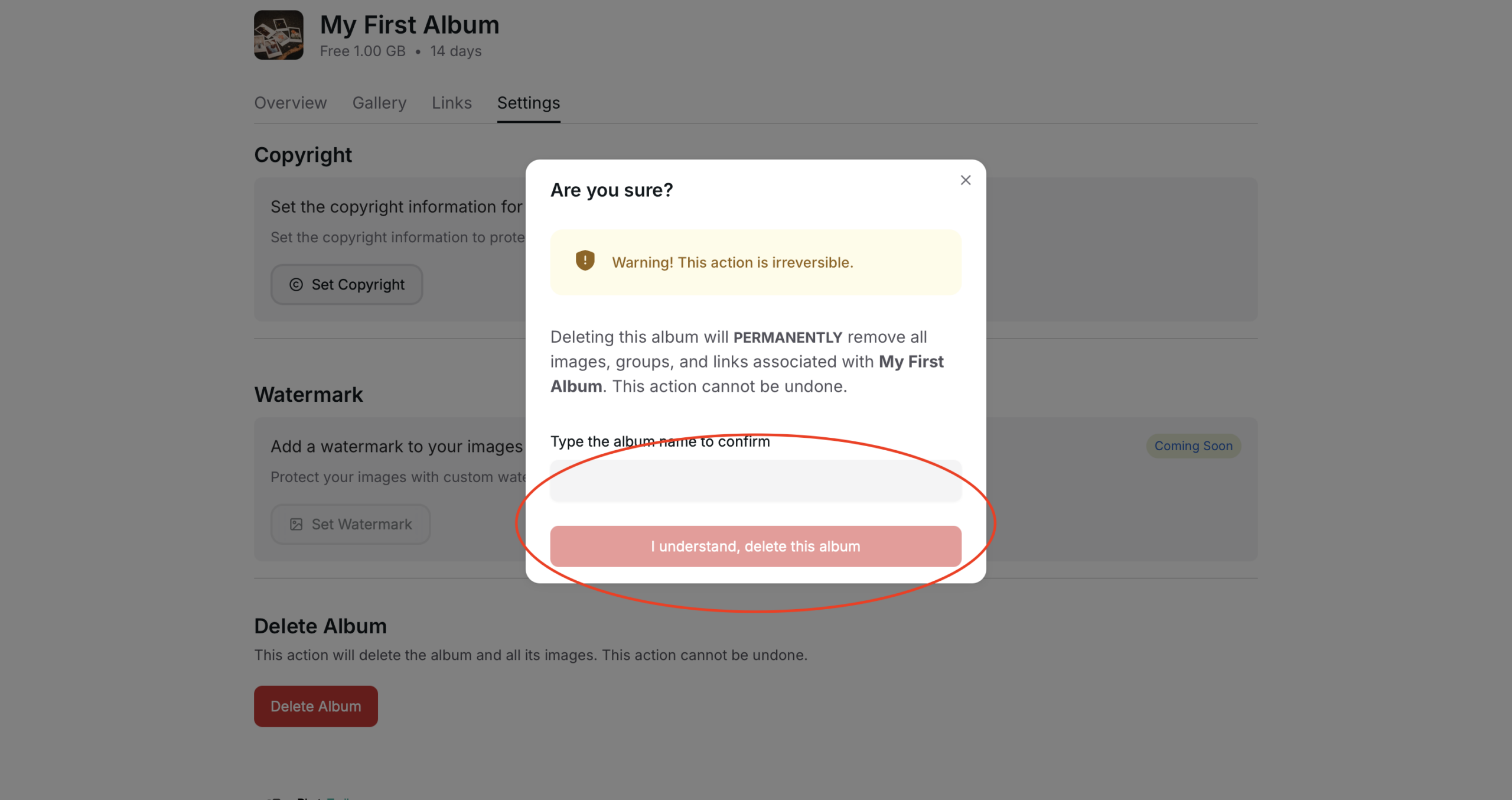
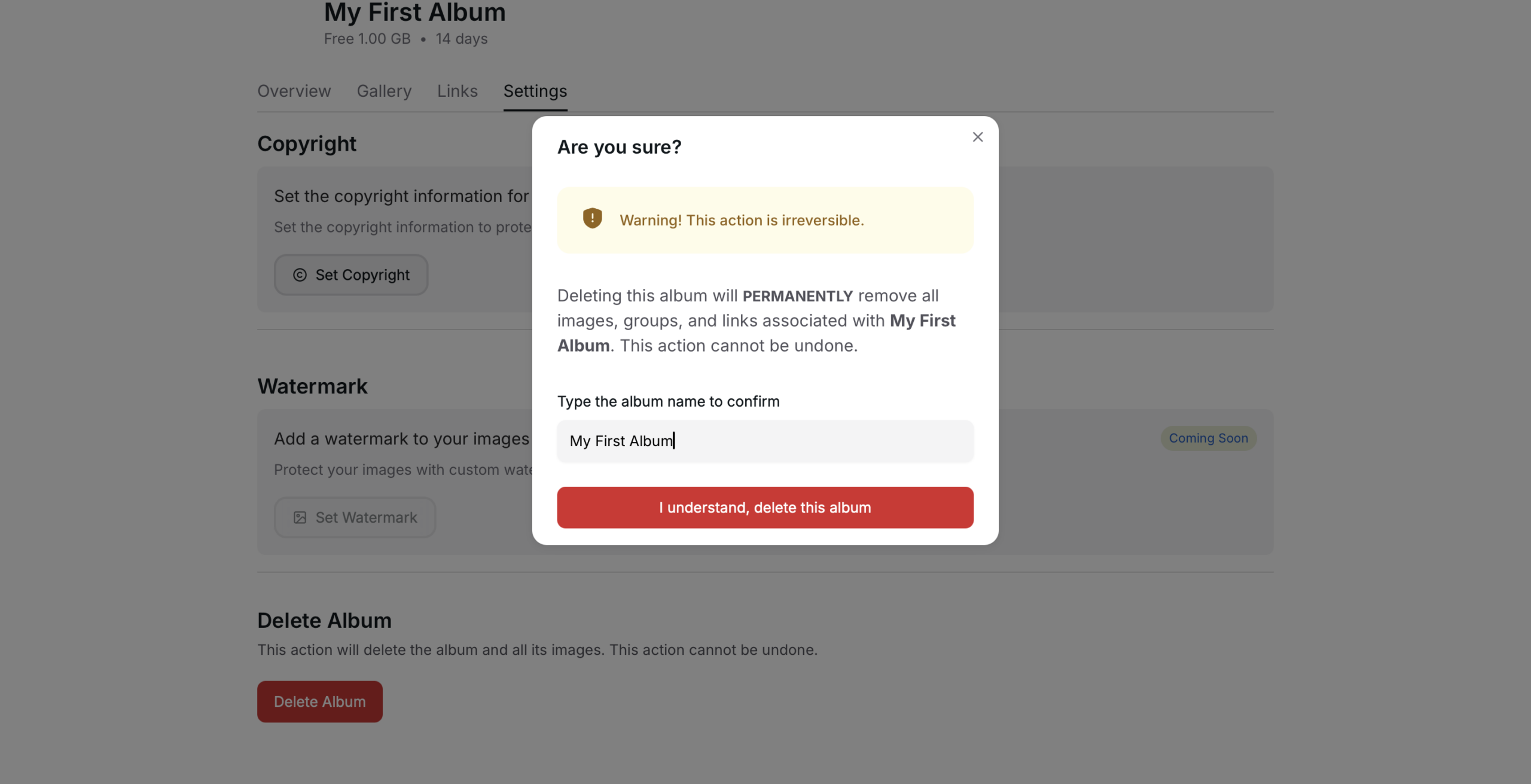
Type the album name to enable the red confirmation button.