
Sharing Albums
Introduction
After creating an album you can share the entire album or specific images to your clients
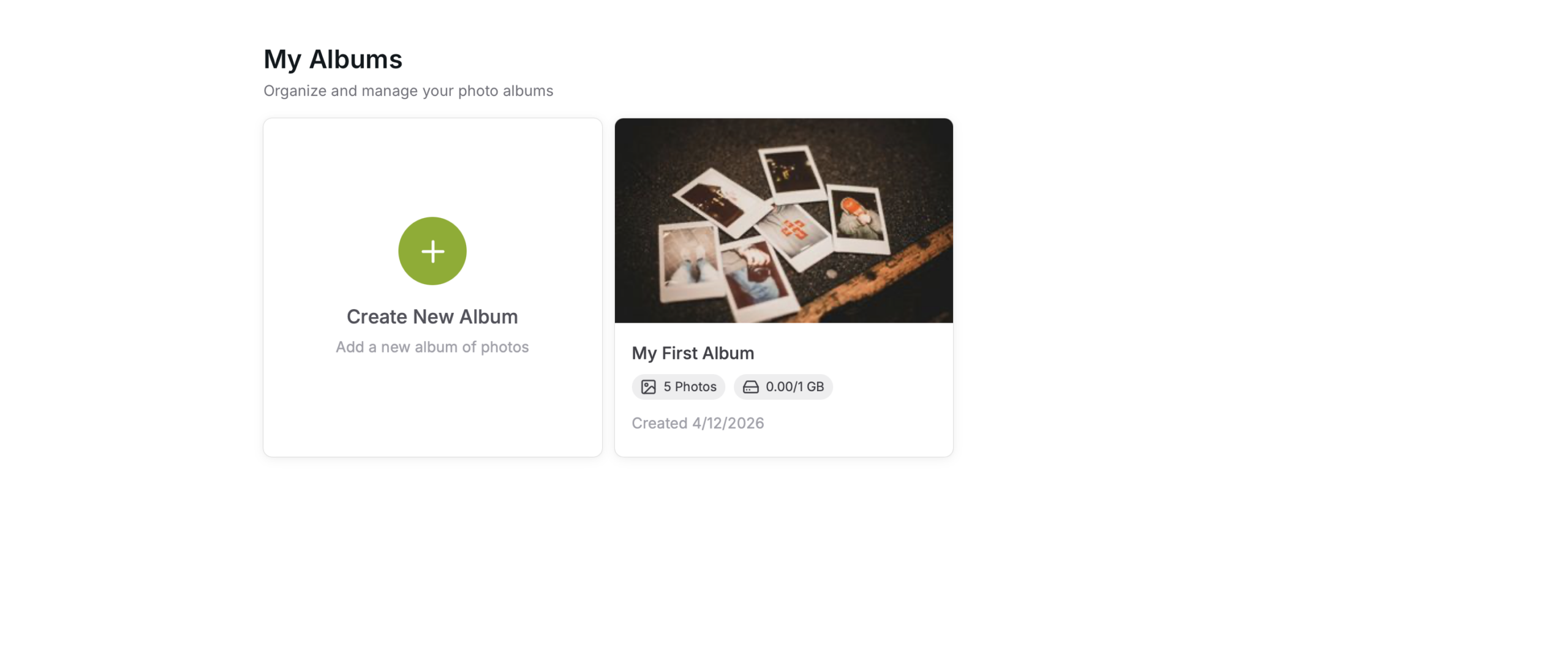
Select Album
Select the Album
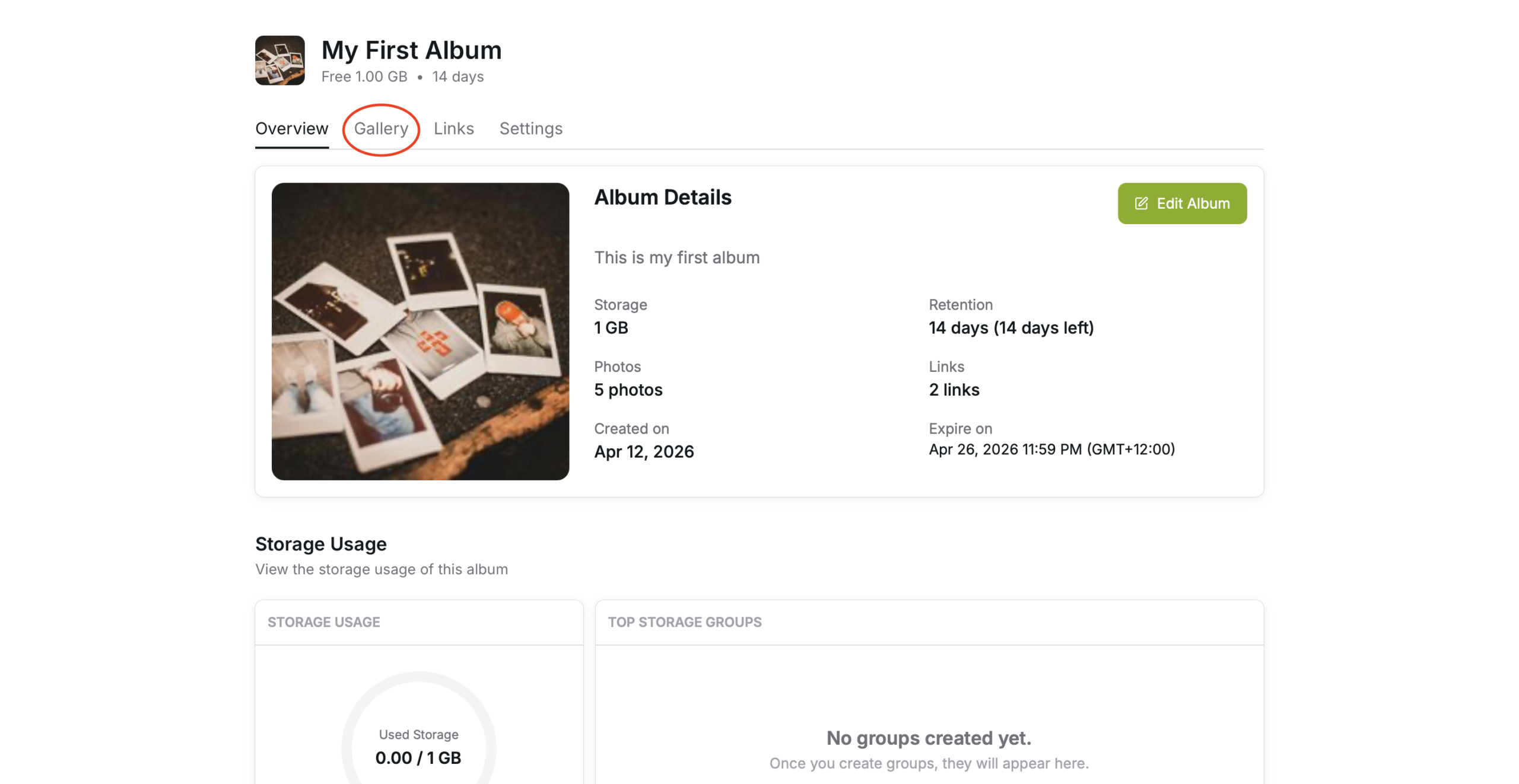
Gallery Tab
Select the “Gallery” tab
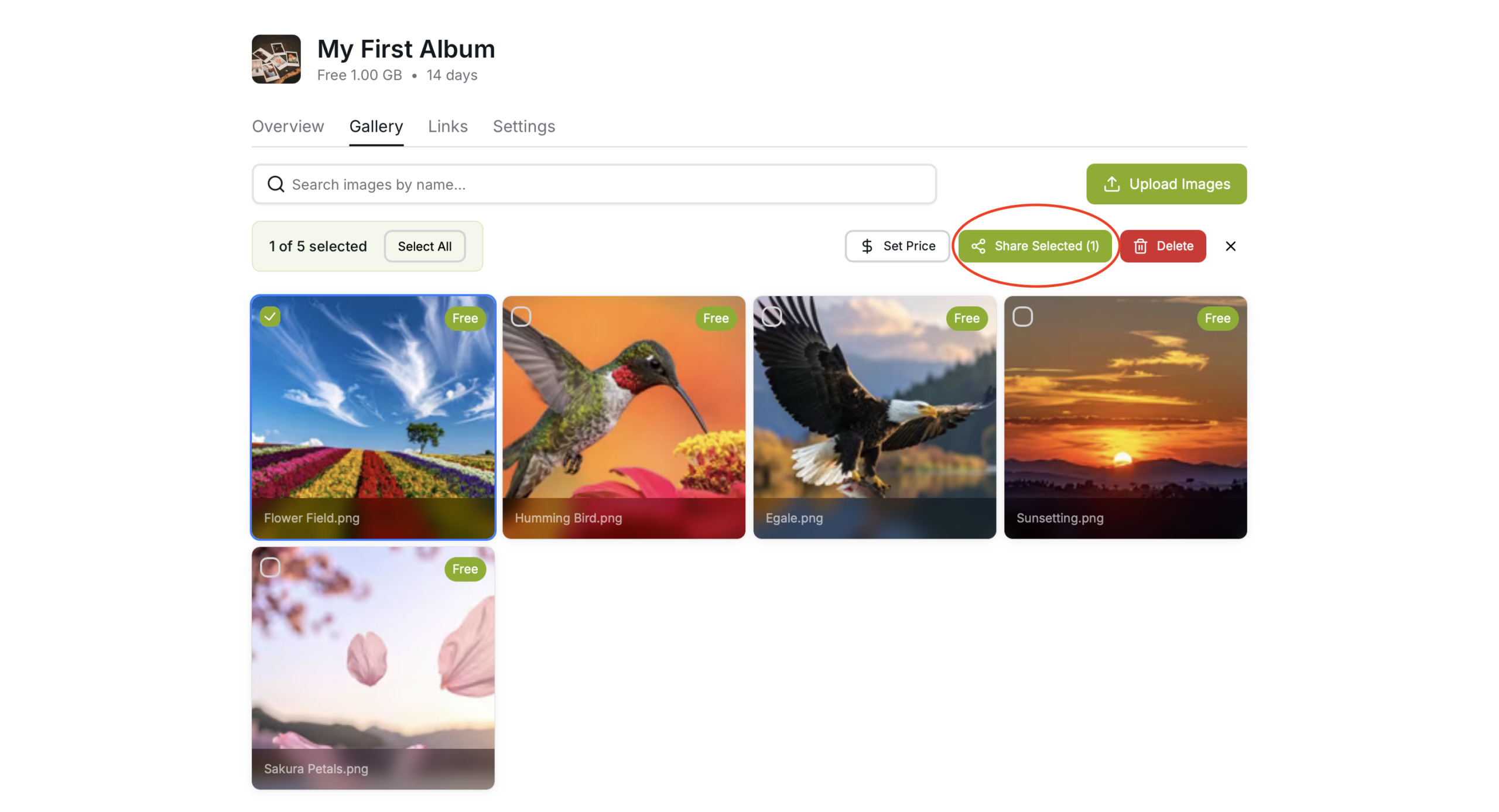
Sharing Album
Use the “Share Album” button to share the entire album
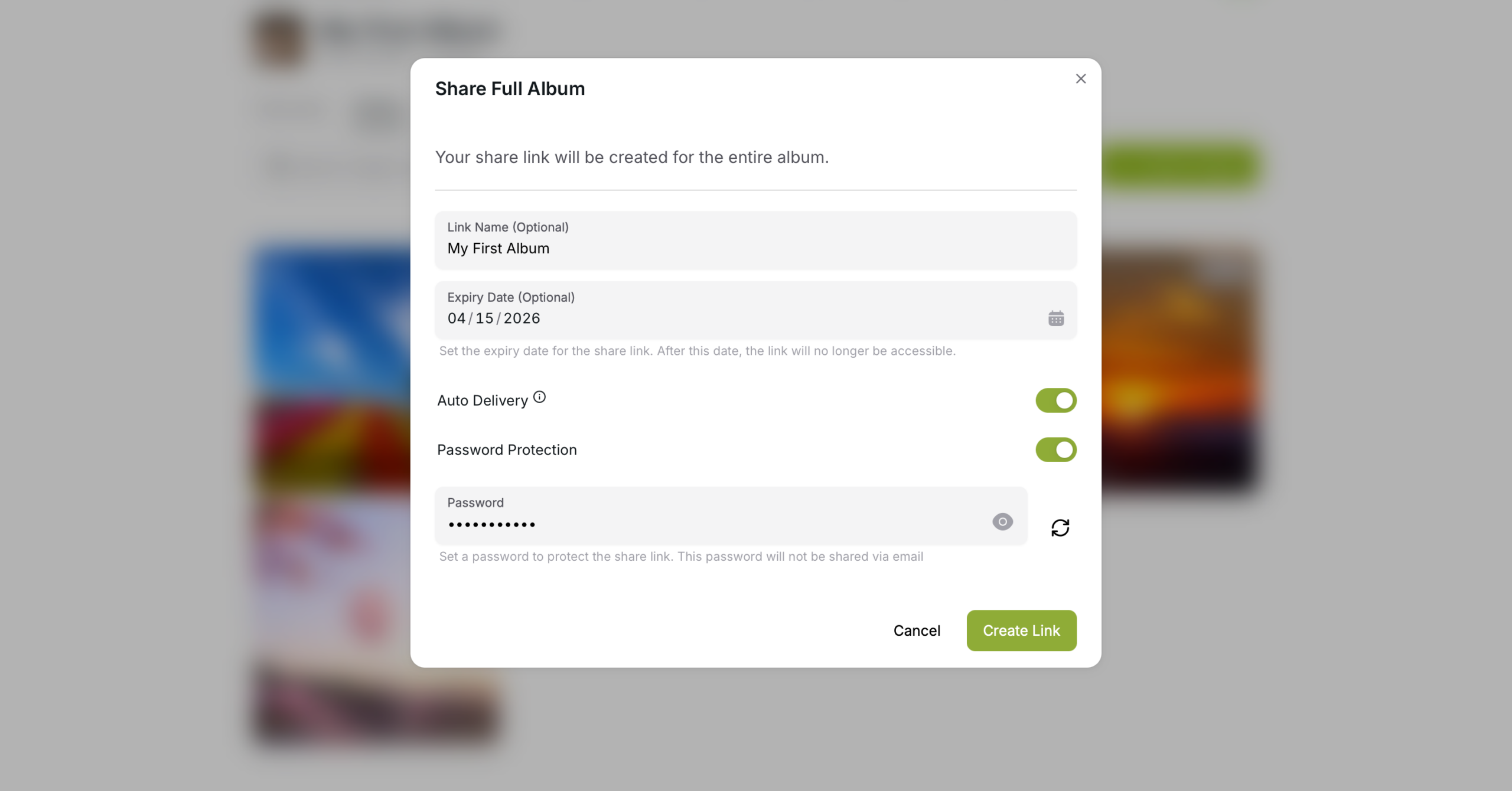
Fill out the form
Add a name for the link
Add a expiry date so when the link expires, the link deactivates
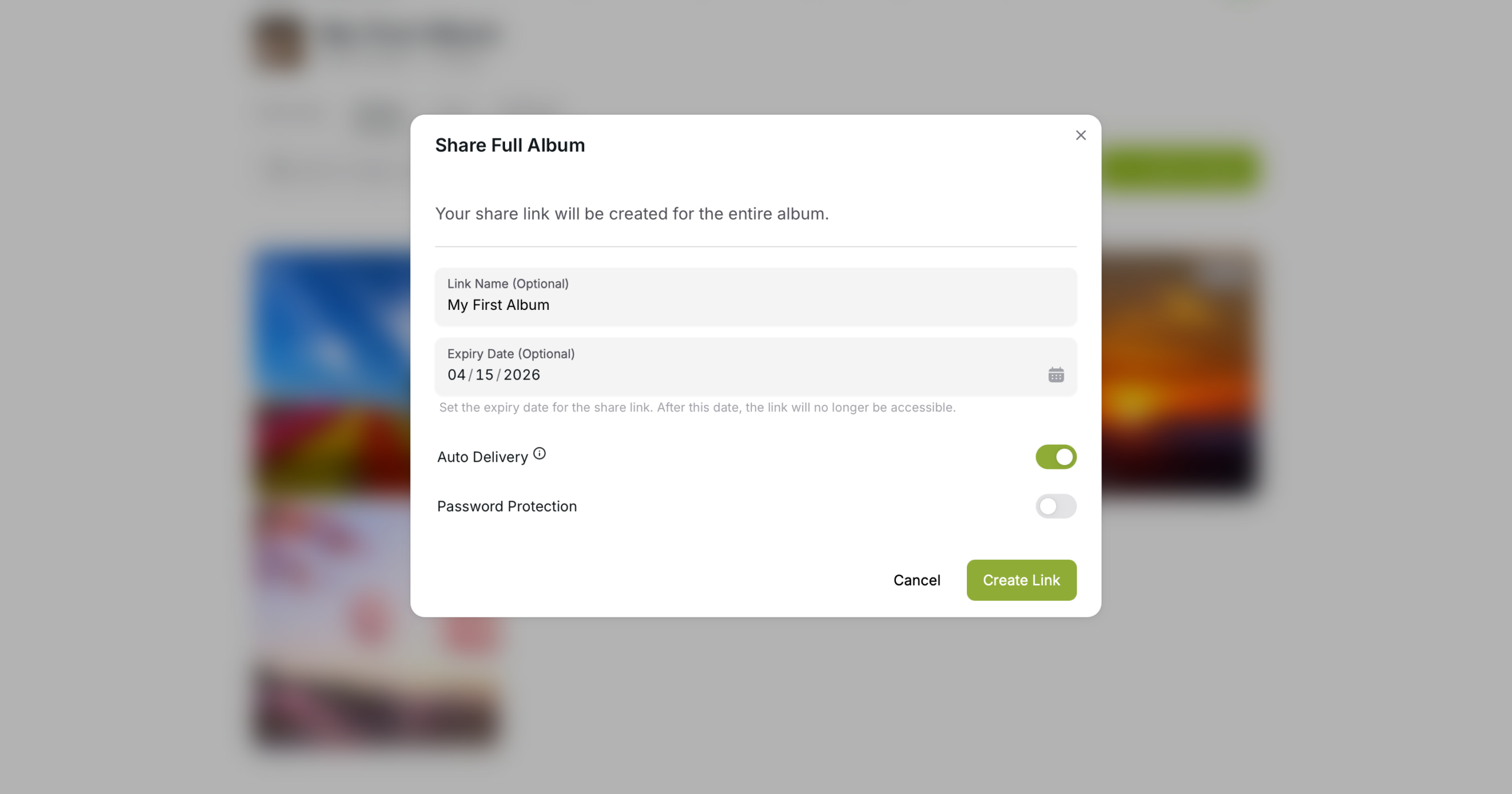
Turn on the Password Protection
When turned on a random password is generated. If you wish to you can change the password to a custom one made by you. The password is required for your client to access the images
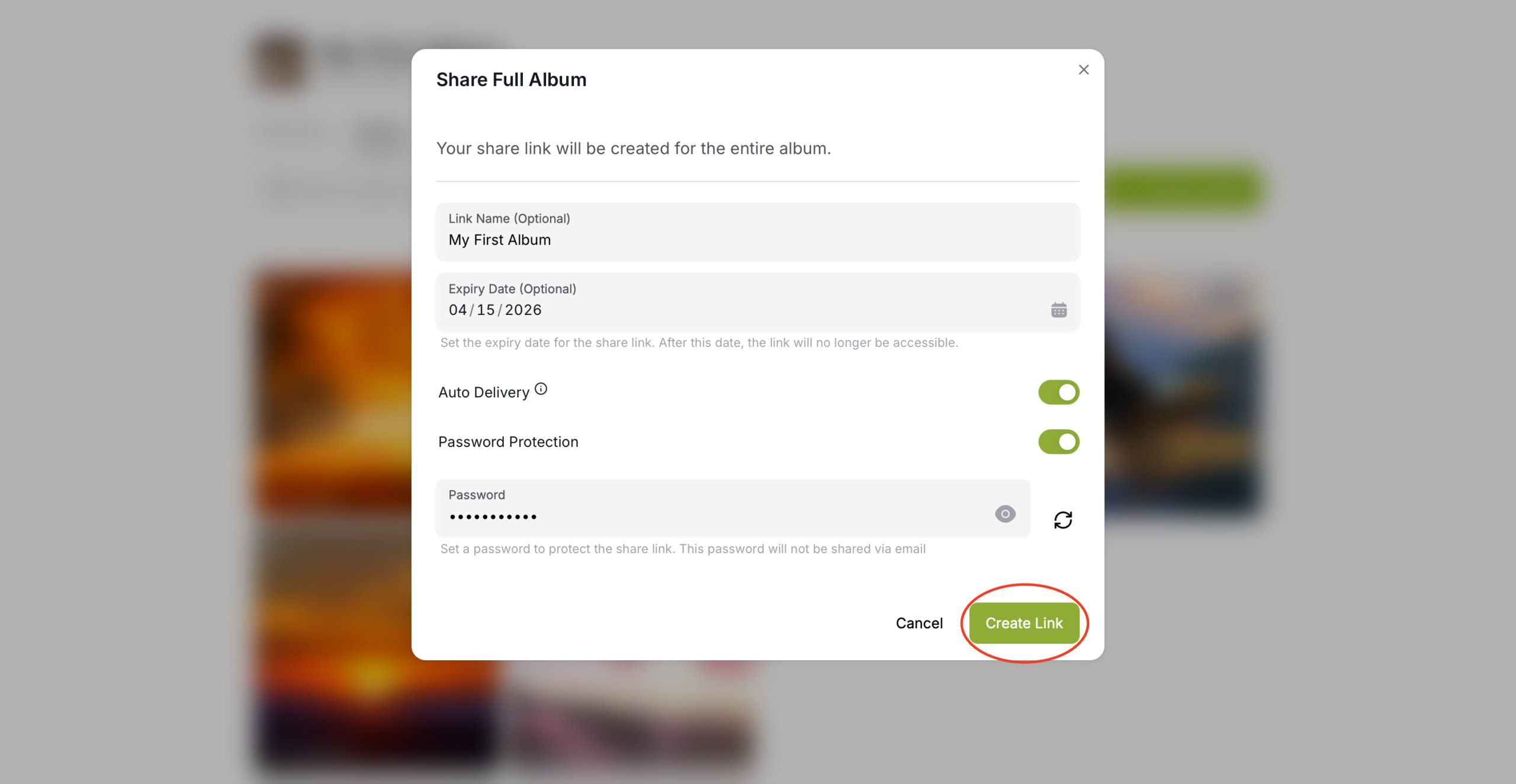
Create Link
Press the “Create Link” button to create the link
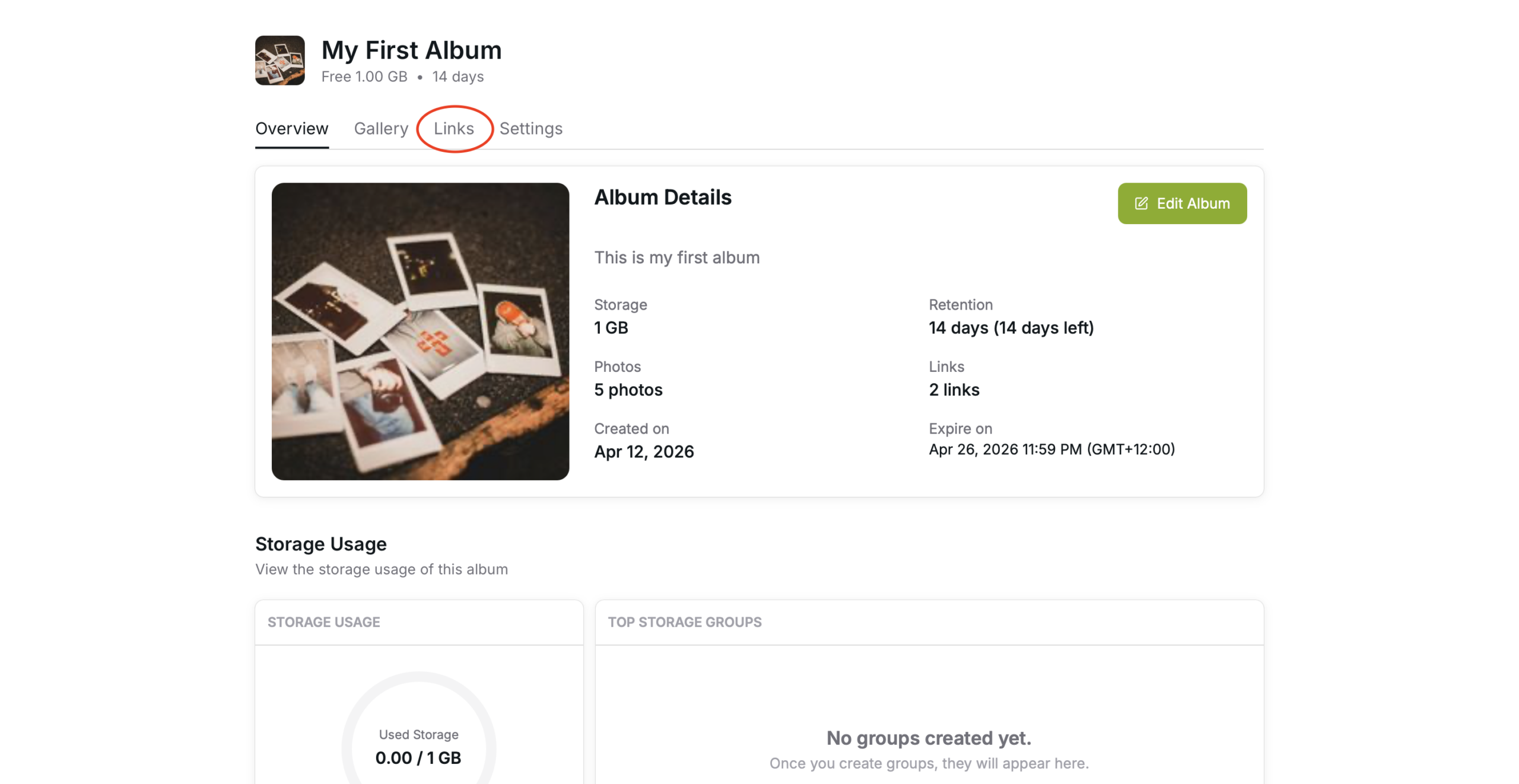
Links
You can view all the links you made for the specific album with details in the “Link” Tab
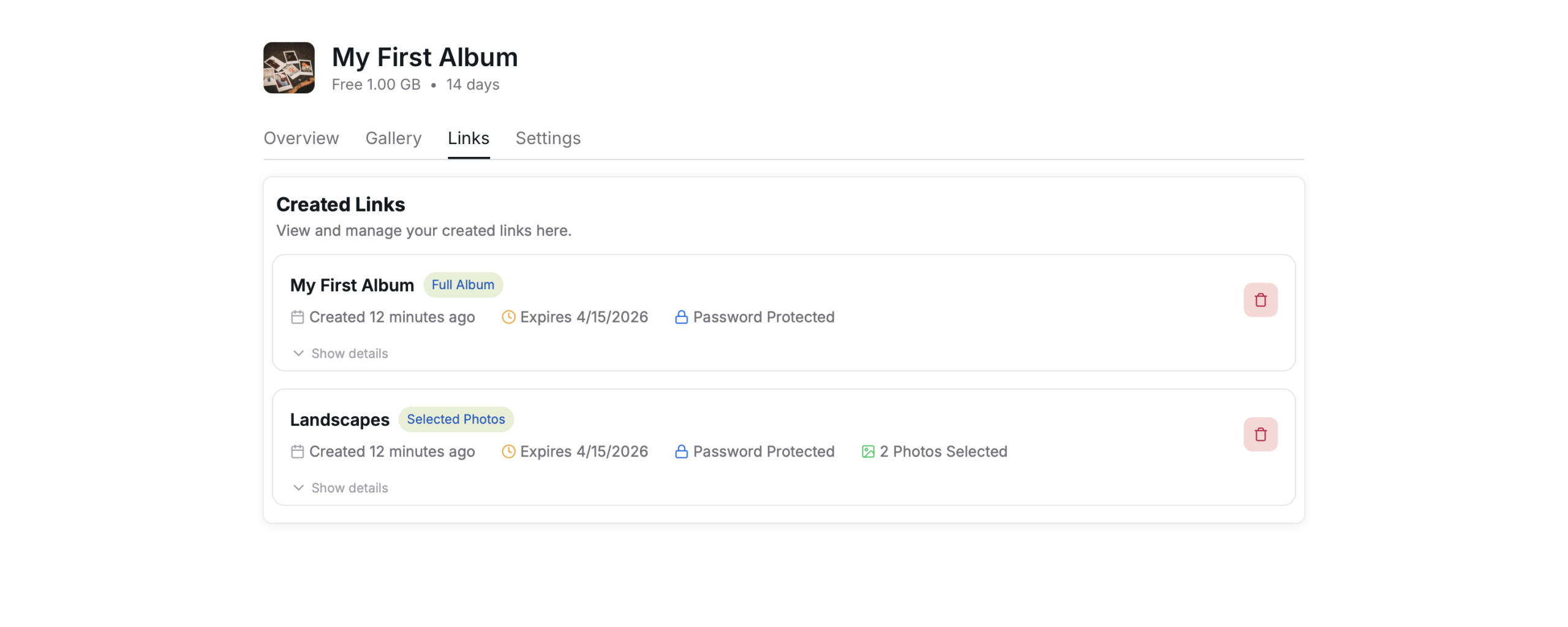
Use the “Show details” button to see the password and the link’s URL
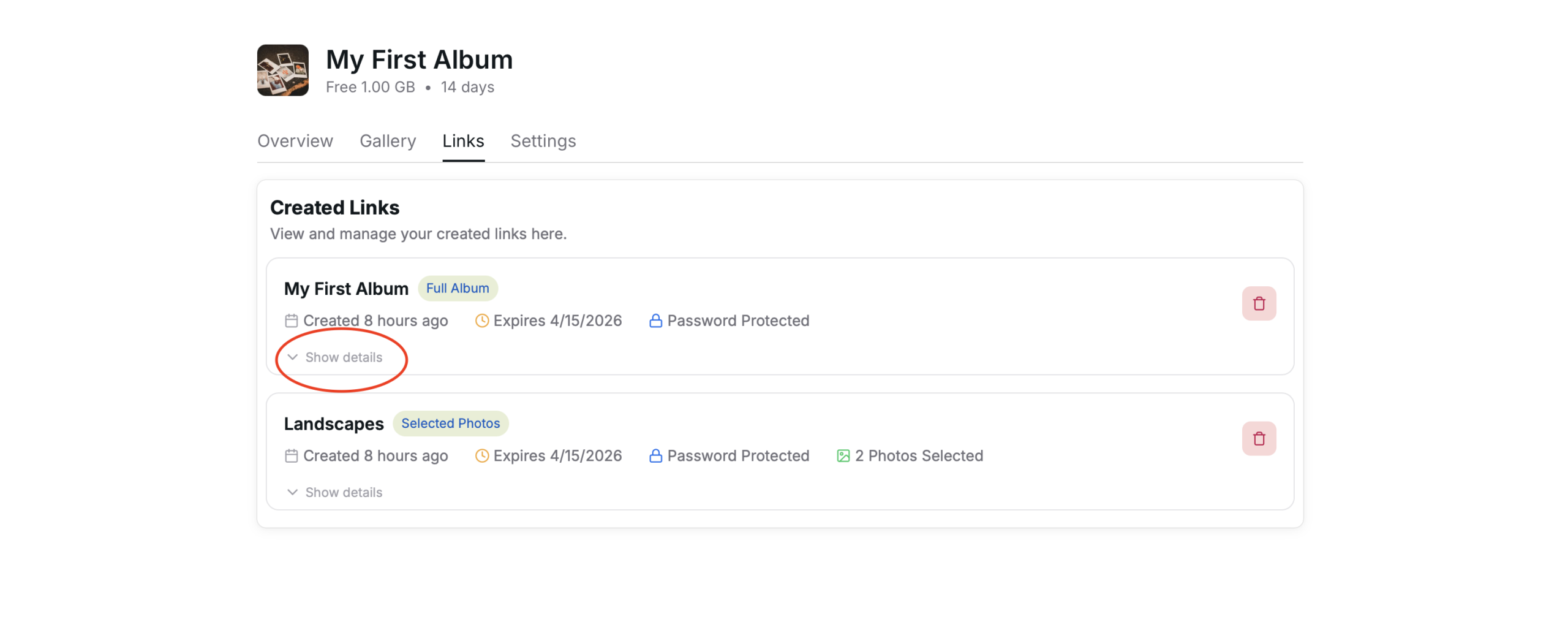
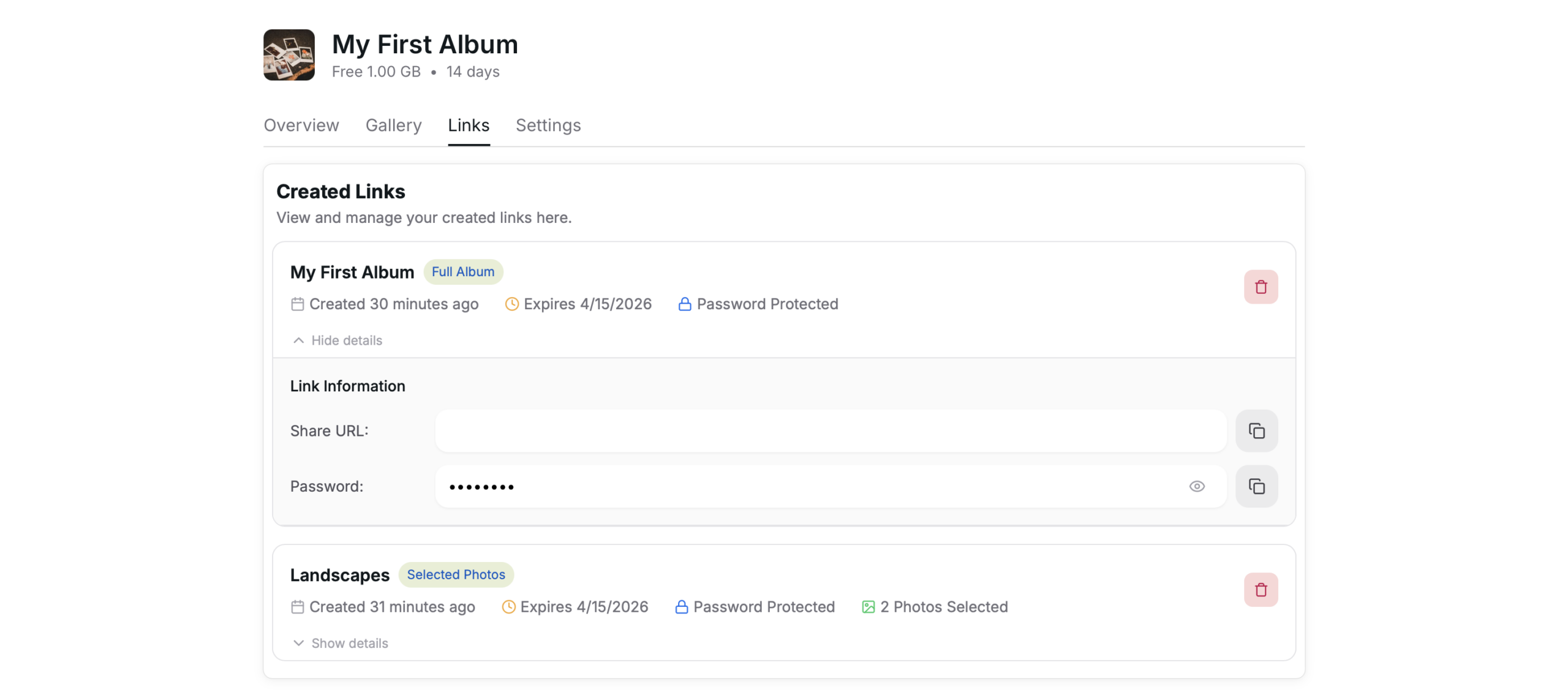
This tab shows the
- Link Name
- Date Created
- Expiry Date
- Weather it’s Password Protected or not
- What kind of link it is (Selected Photos or Full Album)
- Link URL
- Password (If added)
You can delete links instantly without waiting for it to expire using the bin button to the right of the Links